
Native, not a browser tab
A true native app with real speed, feel, and performance — no Electron weight, no web app latency.
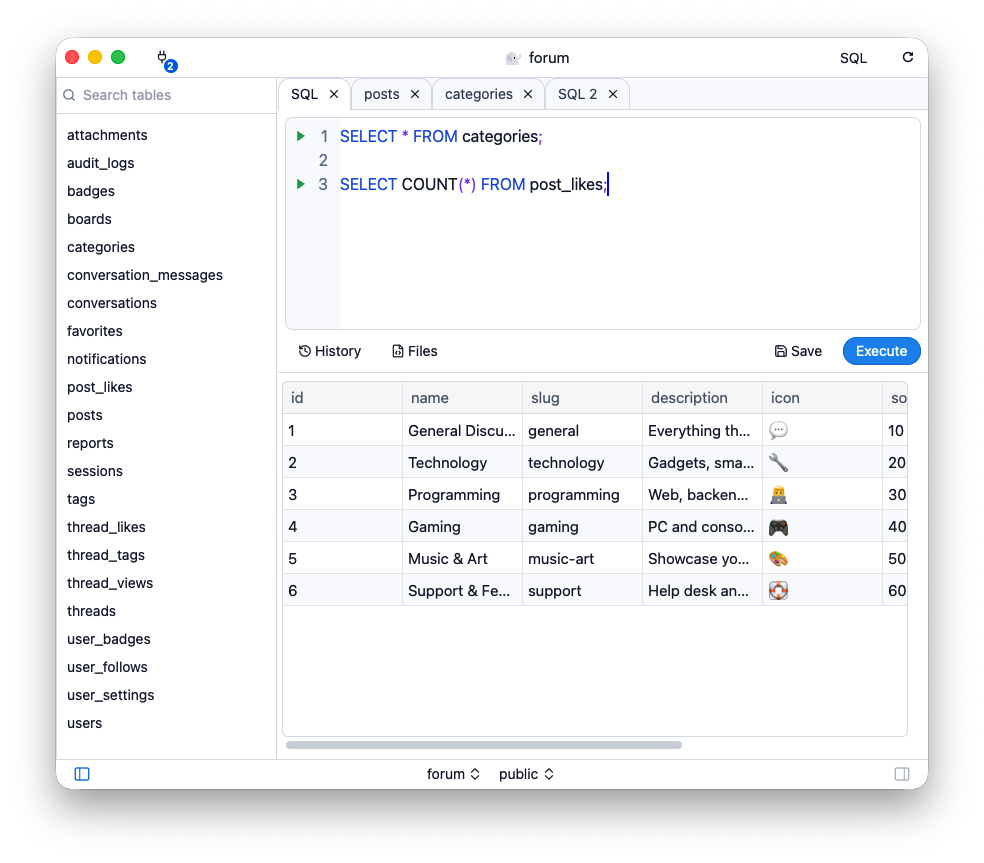
Write SQL and see the results
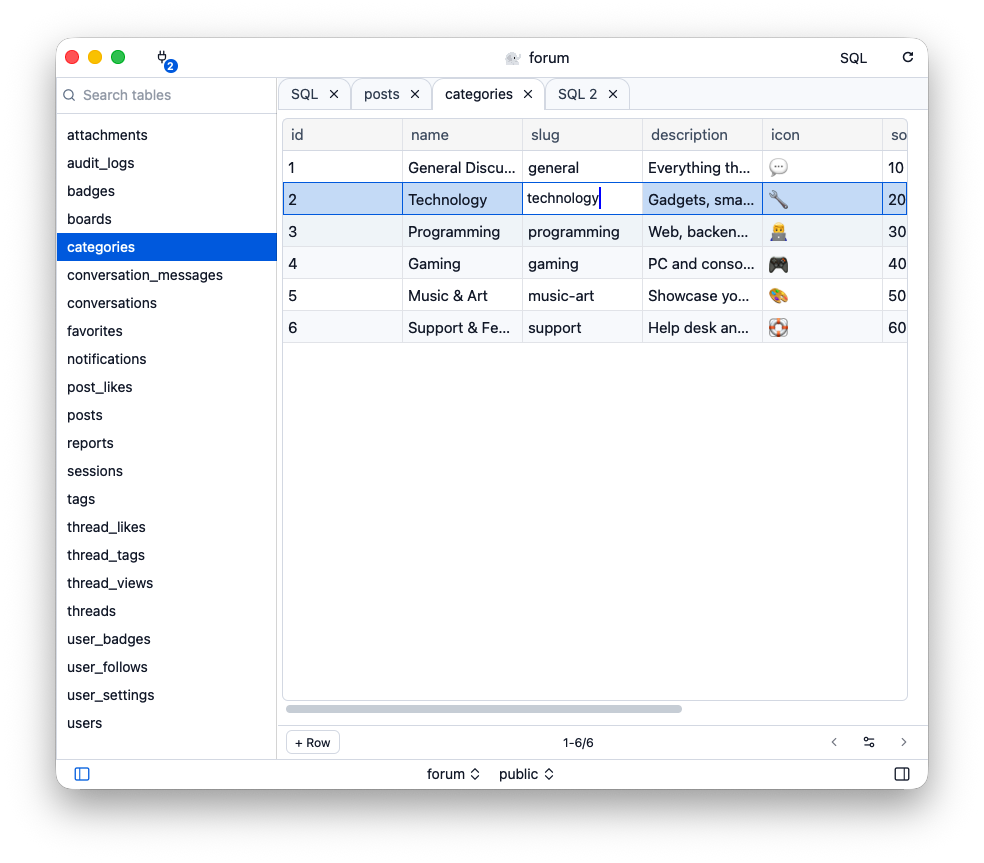
Edit a cell in place
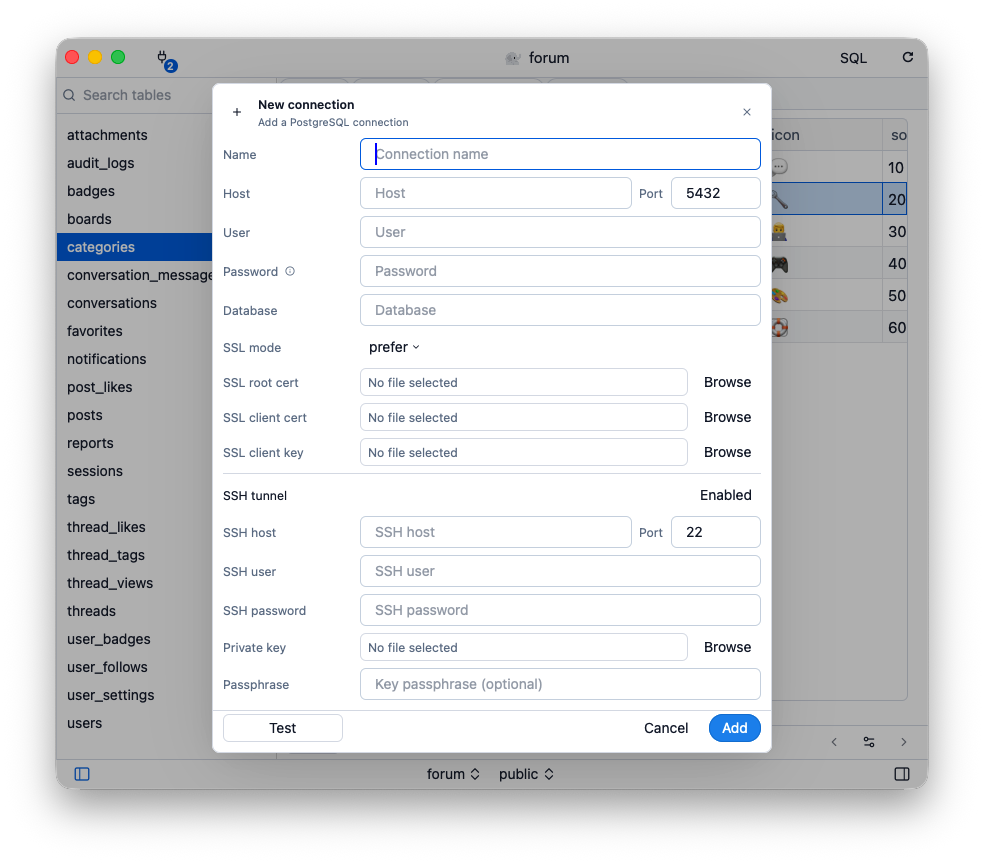
SSL and SSH tunnels
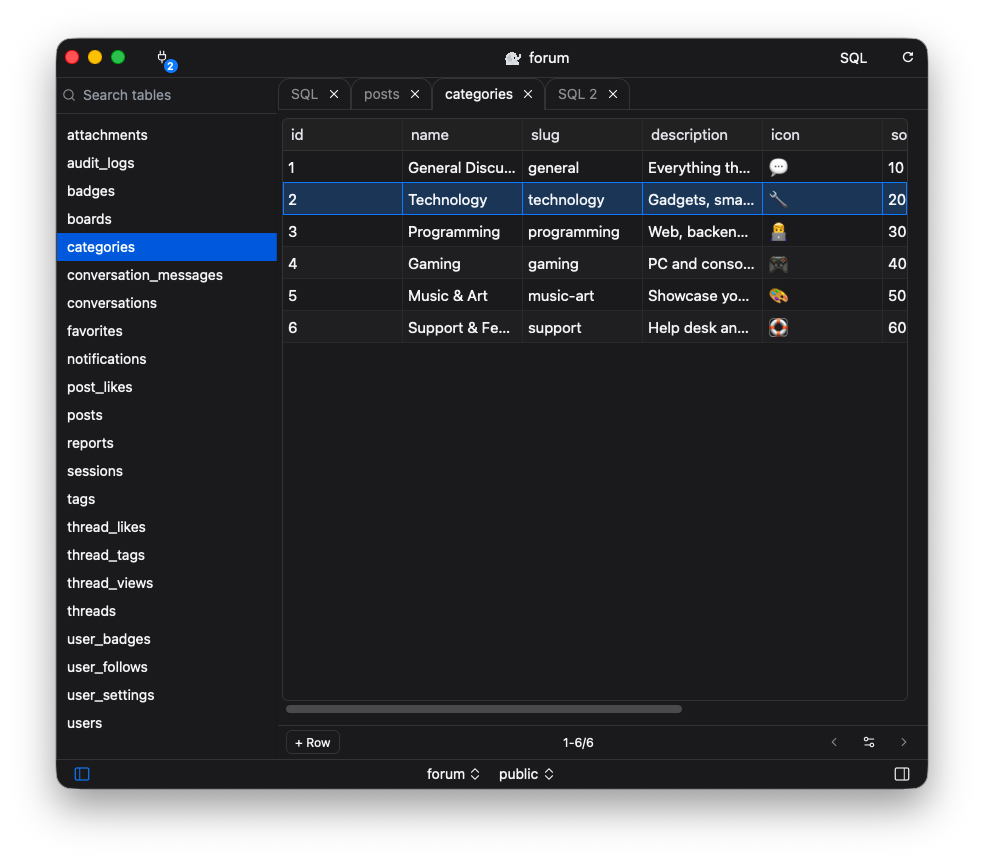
Light or dark
A thoughtful PostgreSQL client that gets out of your way.
A true native app with real speed, feel, and performance — no Electron weight, no web app latency.
Organize servers, databases, and connections in one clean sidebar. Favorite the ones you use most.
Write queries with syntax highlighting, autocomplete, and instant results in a split view.
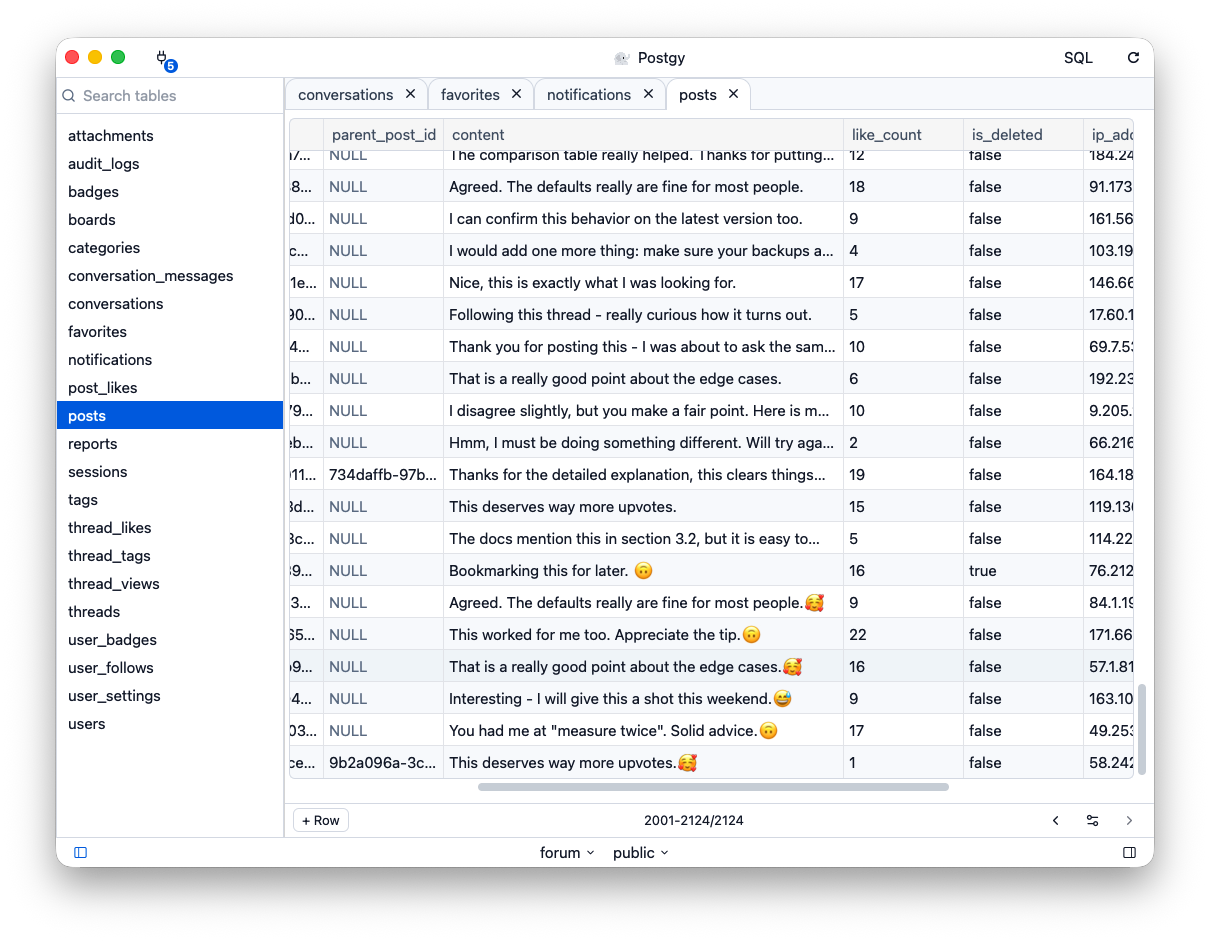
Inspect rows, edit data inline, and manage schemas with an interface built for everyday work.
Lazy-loaded result sets and efficient rendering keep postgy snappy, even with big tables.
Connection credentials are stored securely in your system's keychain. Your data never leaves your device.
Postgy is a native PostgreSQL client for Mac. It is a GUI for browsing tables, editing rows, and writing SQL, without Electron or a browser tab.
Postgy is on the Mac App Store. The download button on this page opens the store in your region.
No. Postgy is a macOS app. It is not an iPhone, iPad, or Windows client.
No. Connection settings stay on your Mac, and credentials are stored in the system keychain. Database contents are not uploaded to Postgy servers.